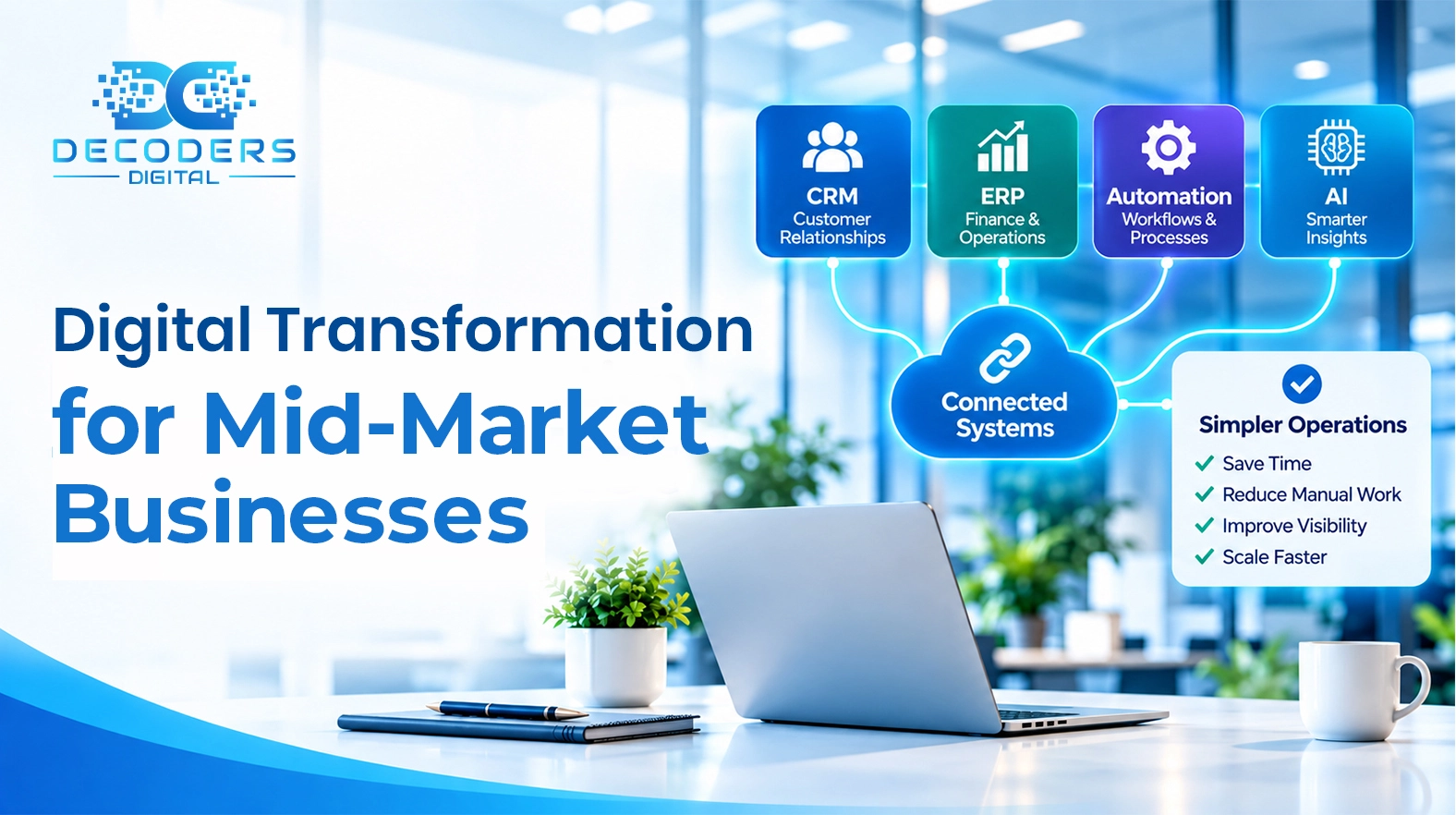
Digital Transformation for Mid-Market Businesses: How to Modernize Without Making Things More Complicated
Digital transformation for mid-market businesses does not have to mean adding more software or launching a massive technology project. Learn how to identify operational friction, choose between AI, automation, integration, and custom software, and modernize your business without unnecessary complexity.
Decoders Digital TeamSeptember 15, 20265 Min Read
Software has traditionally been built around a simple relationship: people use applications to complete tasks. Employees open dashboards, enter information, move between systems, review data, and decide what should happen next.
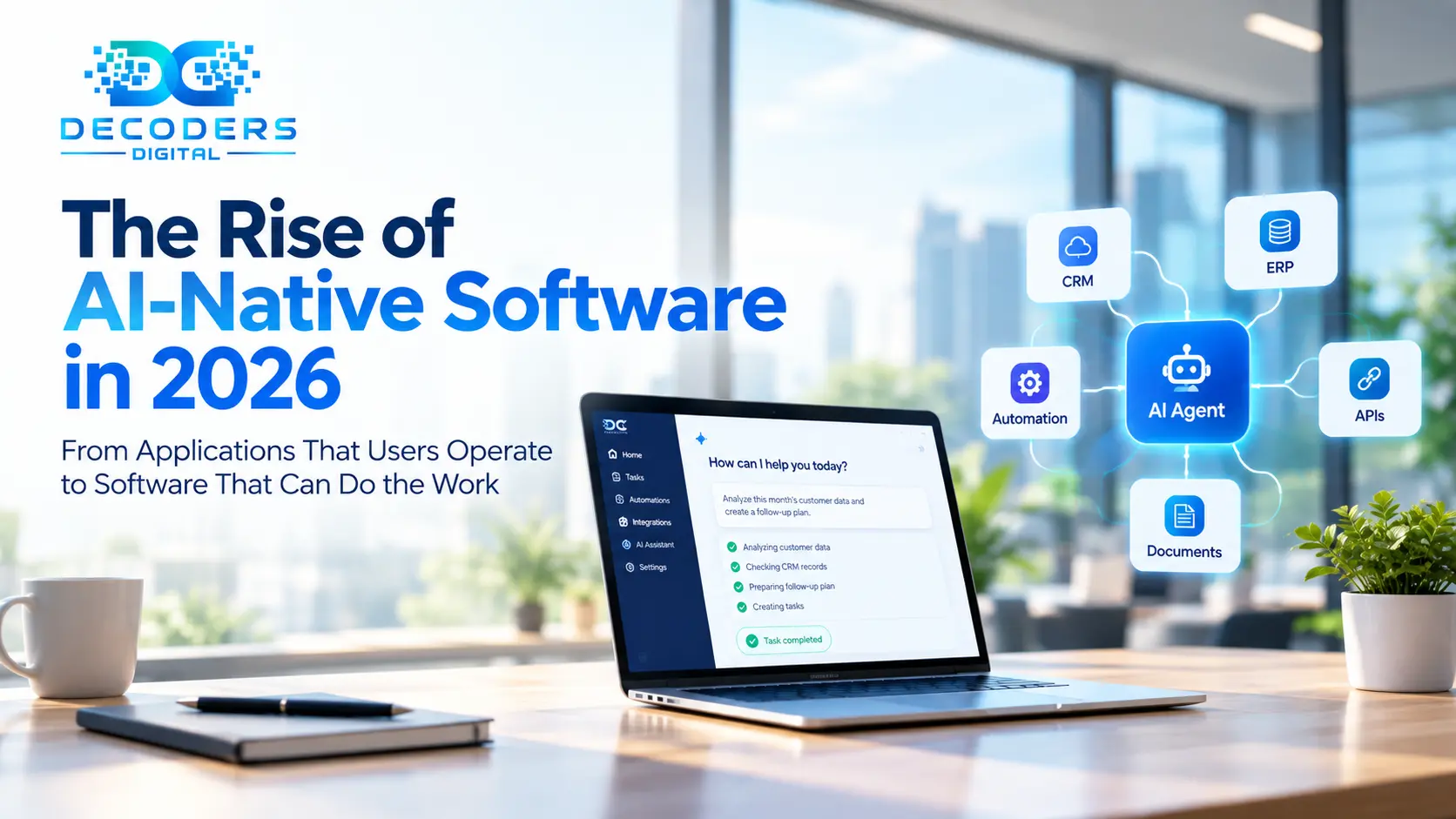
AI-native software is beginning to change that model. Instead of simply giving users another interface to operate, AI-native systems are being designed to understand goals, work across connected tools, coordinate multiple steps, and help complete real business processes.
This does not mean that software is becoming completely autonomous. In many cases, the more practical shift is that software is taking responsibility for parts of the workflow while people remain responsible for decisions, oversight, and exceptions.
$2.5 trillion — Worldwide AI spending forecast for 2026 (Gartner)
The shift runs through five layers: Interface → Workflow → Architecture → Governance → Outcome-driven software.
1. Why AI-Native Software Is Emerging Now
Earlier business software was built around forms, rules, and screens — not around the work itself.
Generative AI has changed expectations around what software can do. A modern AI-native system can interpret natural language, understand context, reason across information, generate content, interact with APIs, and coordinate actions across different services.
- Traditional software → predefined workflows, rules, forms, dashboards, reports
- AI-native software → natural language, context, reasoning, and coordinated action
The important question is not simply how much companies are spending on AI. It is how that investment changes the way software actually works.
2. The Difference Between Adding AI and Building Around AI
Adding a chatbot to an existing app is not the same as being AI-native.
Bolting a feature onto an existing product can make it more useful without changing its architecture. AI-native software goes further — the AI becomes part of how the system understands requests, decides what needs to happen, and coordinates action.
Consider a logistics platform:
- Employee reviews order → checks inventory → contacts carrier → updates records → sends status update (manual, one step at a time)
- → AI-native version: understands the request → gathers information → coordinates the relevant systems → prepares the action → involves a human when judgment or approval is required
The difference is not simply the presence of AI. It is the way the software is designed around the workflow.
3. The Software Interface May Become Less Important
Better dashboards and cleaner forms used to be the whole competitive advantage.
AI introduces another possibility: users may increasingly describe what they want instead of manually navigating every step. Google Cloud has described this broader transition as an "agent leap" — AI moving beyond individual prompts toward systems that coordinate complex, end-to-end workflows.
This doesn't mean interfaces disappear. Instead, the interface may become more focused on supervision, review, exceptions, and decision-making.
4. The Real Opportunity Is Workflow Redesign
The biggest opportunity isn't generating text — it's redesigning how work gets done.
Take customer support:
- Conventional flow: read request → identify issue → search customer history → find documentation → determine next action → update CRM → respond
- → AI-native flow: understand the request → retrieve relevant information → prepare a response → update records → escalate cases that need a human
The value comes from reducing the amount of coordination required from the employee.
Related: workflow automation for support and operations (Decoders Digital)
5. The Model Is Only One Piece of the Architecture
An AI-native system is not just a model wired to a chat window.
A reliable system needs several layers working together:
- AI Model (reasoning and language)
- → APIs (connect to business applications)
- → Databases (structured information)
- → Retrieval systems (relevant knowledge)
- → Workflow orchestration (what happens, in what order)
- → Authentication & permissions (what the system is allowed to touch)
- → Human approval (where judgment is required)
A good AI-native architecture combines intelligence with boundaries.
6. AI Is Changing How Software Is Built, Too
This shift isn't limited to the software businesses use — it's changing how developers build it.
AI coding assistants can:
-
Generate code — draft implementation from a spec or description
-
Explain existing implementations — make legacy code easier to work with
-
Create tests — cover cases a developer might skip
-
Analyze errors — speed up debugging
-
Writing every line manually → reviewing, directing, integrating, and validating AI-generated work
Microsoft has described this as "bounded delegation" — AI takes responsibility for surrounding assembly work while humans retain control over judgment, authority, and expertise.
7. The Biggest Change Could Be in SaaS
SaaS has always meant customers subscribe to applications. Agentic AI challenges that.
$234 billion — Enterprise application software spending potentially exposed to agentic AI by 2030, roughly 20% of enterprise SaaS spending (Gartner)
If an AI system can coordinate work across several applications, customers may start valuing outcomes over individual features. SaaS products may increasingly evolve into platforms that supply the data, integrations, permissions, and infrastructure AI agents use to get work done — the application doesn't disappear, but how people interact with it changes.
8. Reality Check: AI-Native Does Not Mean Fully Autonomous
Giving AI unrestricted authority over every business process isn't always appropriate.
- 11% of C-level tech executives say their organization is completely prepared for the scale of AI-agent deployment (IBM, 2026)
- 70% report teams are deploying faster than IT can track
The lesson is not that AI agents cannot be useful. It is that organizations need governance, permissions, monitoring, testing, and clear boundaries as these systems become more capable.
9. What This Means for Businesses Building Software
AI belongs at the architectural level, not bolted on at the end.
The first question should be: what work is the customer actually trying to accomplish?
- Building ten screens because a process has ten steps → AI handles the routine steps and surfaces only what needs a decision
The result can be a simpler user experience without necessarily making the underlying technology simpler.
10. What Happens Next?
Some companies are experimenting with individual AI features; others are building agent-based workflows that coordinate multiple systems. The technology, standards, security practices, and business models will keep developing.
What's increasingly clear: software is moving beyond helping people operate digital tools, toward helping people accomplish outcomes — across CRM systems, logistics platforms, healthcare administration, financial operations, customer support, and internal business tools.
11. The Best AI-Native Software Will Make the AI Feel Secondary
The most useful AI-native software won't constantly remind users that AI is present.
- A customer submits a request → the system handles the routine steps
- A sales rep needs account information → the system gathers it
- A manager needs an operational report → the system prepares it
AI is valuable because it makes the work easier, not because the product has an impressive AI label.
Key Takeaways
- AI-native software shifts responsibility for parts of the workflow from people to systems, while humans keep decisions and oversight.
- Adding an AI feature is not the same as building the architecture around AI.
- As AI handles more of the workflow, the interface shifts toward supervision and exceptions.
- The biggest opportunity is redesigning workflows, not just generating content.
- A real AI-native system needs models, APIs, databases, retrieval, orchestration, and permissions working together.
- AI is changing how software is built as much as what software does.
- SaaS may evolve from feature subscriptions toward outcome-driven platforms.
- Governance and human oversight remain essential — AI-native is not the same as fully autonomous.
Frequently Asked Questions
What's the difference between "adding AI" and being "AI-native"?
Adding AI means bolting a feature — like a chatbot or writing assistant — onto an existing product. Being AI-native means the AI is part of how the system understands requests, coordinates actions, and interacts with other services from the ground up.
Does AI-native mean the software runs without human involvement?
No. Most practical AI-native systems combine automation with human oversight — the AI handles routine coordination, and people remain responsible for decisions, approvals, and exceptions.
Will AI-native software replace traditional SaaS?
Not necessarily. Traditional applications are likely to persist, but they may evolve into platforms that supply the data, integrations, and infrastructure that AI agents use to complete work, rather than being the primary interface people operate directly.
What should a business consider before adopting AI-native software?
Governance, permissions, monitoring, and clear boundaries matter as much as the AI capability itself — deploying faster than an organization can track or control introduces real risk.
Where should a company start with AI-native development?
Start with the workflow, not the AI feature. Identify what the customer is actually trying to accomplish, then decide which steps should stay manual, which can be automated, and where human approval is required.
Rethinking Your Software Around AI
AI-native software isn't about adding a chatbot — it's about rethinking workflows, connecting systems, and building software that understands what people are actually trying to accomplish.
At Decoders Digital, we help businesses design and build AI-native systems — from workflow architecture to AI integration and agent coordination.
Book a free AI consultation with Decoders Digital

Enjoyed this article?
Get insights like this delivered — or let's talk about turning them into your next project.